.webp)
Kerbal Space Program: 10 Pro Tips to Reach Orbit and Beyond
Introduction
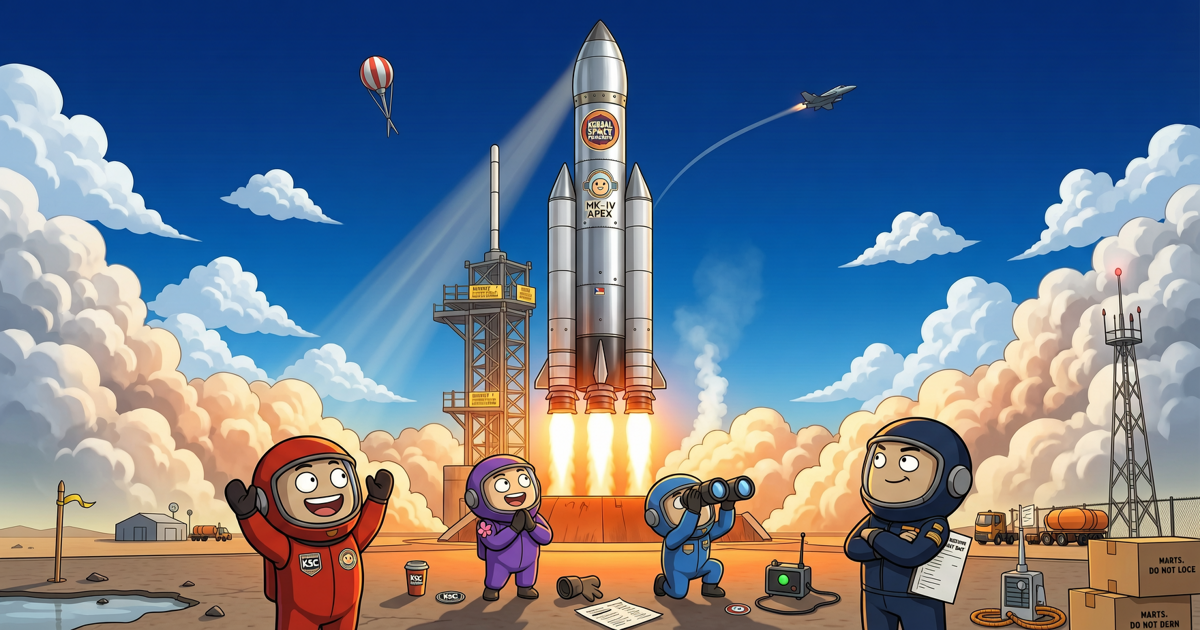
Kerbal Space Program (KSP) is a delightful blend of physics, engineering, and pure trial-and-error. While launching a rocket might look simple on the surface, the game punishes poor planning with spectacular explosions. Whether you're a new player struggling to reach orbit or a veteran aiming for Duna, these ten pro tips will help you master the game's steepest challenges.
1. Keep It Simple with the Thumping (Solid Rocket Boosters)
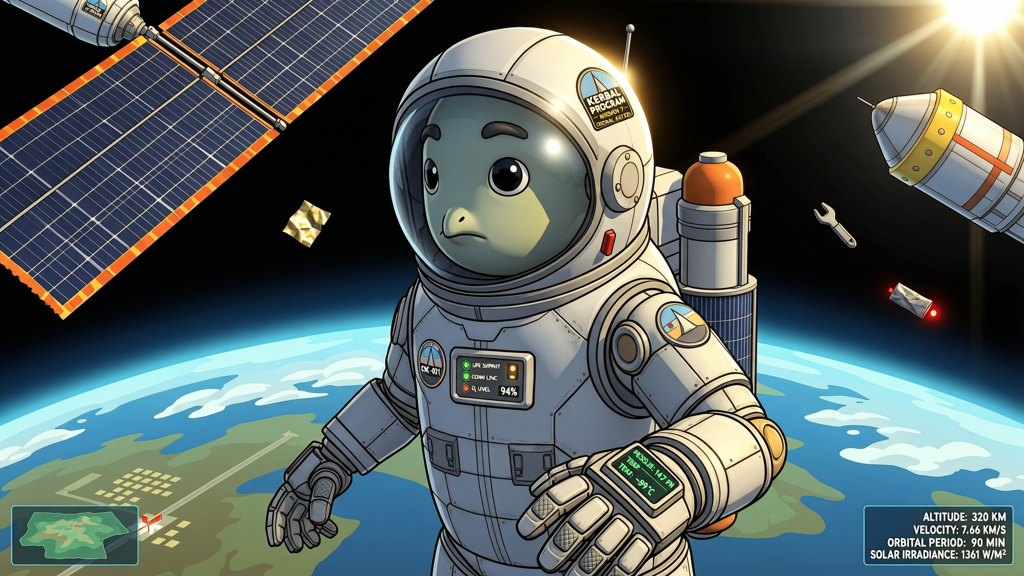
When you're just starting out, don't overcomplicate your designs. The RT-5 Flea and RT-10 Hammer solid boosters are cheap and powerful for early launches. Use a simple two-stage design: solid boosters to lift you off the pad, then a liquid-fuel upper stage to circularize. Avoid the temptation to add too many parts—the more parts, the more that can fail.
2. Master the Delta-V Budget
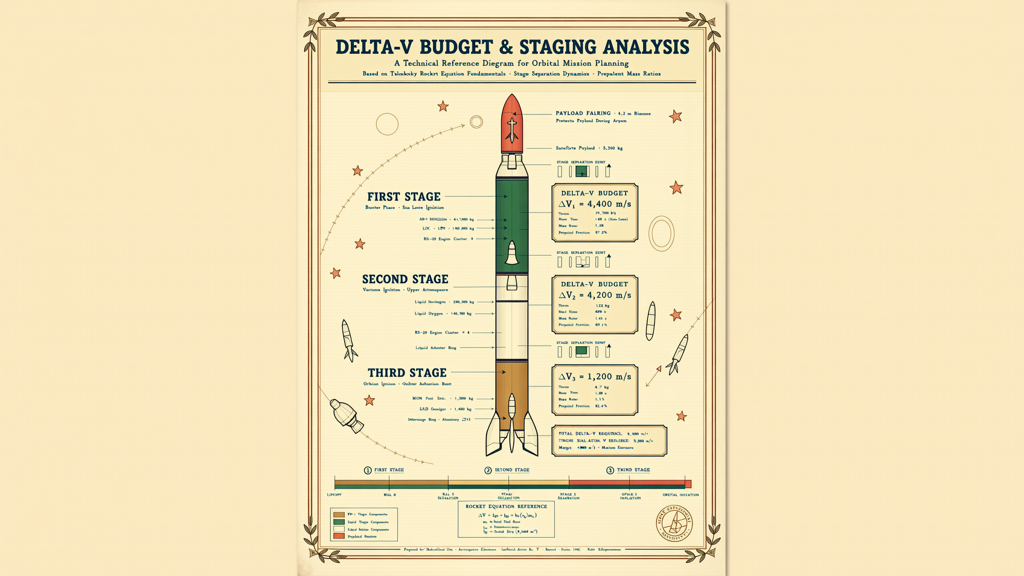
Delta-v (Δv) is the total velocity change your rocket can achieve. It's the single most important number in KSP. Use the built-in Δv calculation (or the Kerbal Engineer mod) to ensure your rocket has enough Δv for its mission. A safe orbital launch takes about 3400 m/s from sea level to low Kerbin orbit. For the Mun, you'll need about 860 m/s more. Plan accordingly.
3. Learn the Gravity Turn, Not the Gravity Pull
Many beginners point their rocket straight up until 70 km, then tilt over. That wastes fuel. Instead, begin your gravity turn early—around 1000 to 2000 meters altitude. Slowly pitch eastward (90 degrees) while maintaining your prograde marker. The atmosphere and gravity naturally curve your trajectory, so by 30-40 km you'll be nearly horizontal, building horizontal speed rather than fighting gravity.
4. Use the Navball's Prograde and Retrograde Markers
The navball is your best friend. The prograde marker (green circle with a dot) shows your current velocity direction. To circularize, burn prograde at apoapsis. To de-orbit, burn retrograde (green circle with an X). Whether using the mouse or keyboard controls, always align your ship's orientation with these markers for efficient burns.
5. Set Up Maneuver Nodes Before You Burn
Rather than eyeballing burns, use maneuver nodes. Click anywhere on your orbit path, drag handles to adjust prograde/retrograde or radial burns, and watch your predicted orbit change. Aim for an apogee just above 70 km, then add a circularization node at that point. Execute the burn a few seconds before the node (for long burns, split half before and half after). This technique makes any transfer predictable.
6. Don't Forget the Asparagus Staging
Asparagus staging is a classic KSP technique for maximizing efficiency. Instead of dropping all side boosters at once, chain them so that fuel from outer tanks crossfeeds into inner tanks. When an outer tank is empty, drop it. This reduces dead weight gradually, allowing your core engines to stay alive much longer. The result: more Δv from the same amount of fuel.
7. Bring Extra Parachutes and a Heat Shield
A common rookie mistake is forgetting about re-entry. When returning from orbit, your craft will hit the atmosphere at over 2,000 m/s. Slap a heat shield on the command pod and deploy parachutes only when the atmosphere is thick enough (under 5,000 meters). For heavy landers, use multiple drogue chutes to slow down safely before wide canopies open.
8. Pack an RCS Thruster Kit for Docking
Docking two spacecraft in orbit is a rite of passage. To make it easier, equip your ship with RCS thrusters and a supply of monopropellant. The RCS translation keys (H, J, K, L, I, N) allow tiny adjustments without wasting precious main fuel. Practice docking in the VAB: build a small tug with four RCS quads and a Clamp-o-tron port on both ends.
9. Use the Tracking Station to Plan Transfer Windows
Fuel to other planets is wasted if you leave at the wrong time. In the Tracking Station, you can see the relative positions of planets. For an efficient transfer to the Mun or Minmus, time your burn so that the target rises over the horizon while you're in low orbit. For interplanetary trips like Duna, use an online Δv map or the game's built-in maneuver planner to find launch windows. A good rule: transfer when the target planet is roughly 44 degrees ahead of Kerbin in its orbit.
10. Quicksave Before Every Critical Moment
KSP is unforgiving, but you have a built-in undo button: quicksave (F5) and quickload (F9). Use it before docking, before atmosphere re-entry, or before a challenging landing. It's not cheating—it's smart engineering. And don't forget to create named saves at major milestones using the escape menu. You'll thank yourself when a lander tips over on the Mun and you don't have to rebuild from scratch.
Conclusion
Kerbal Space Program rewards patience and planning. By mastering these ten concepts—from Δv budgets to gravity turns, from asparagus staging to quicksaving—you'll turn explosive failures into textbook missions. So strap in, do your calculations, and remember: even failures are fun. Just ask Jebediah Kerman.